

Complete the whole course of free VoIP online training to receive free certification.
What are Queues, and how to implement them in CompletePBX 5, virtual software PBX, free training video.
Download and install free virtual PBX software and start the training here – virtual PBX training.
A certificate that includes your name & the name of your company is issued upon completion.
Complete online VoIP certification for free.
Xorcom virtual IP PBX for hotels, enterprise, schools, call centers, free for download. Asterisk-based IP PBX appliances and hardware, phone systems for call centers.
IP-PBX: recent news & updates:

Rapid Recovery Image Update 20180620
CompletePBX Download Images Updated Hardware Description 8GB USB disk on key (DOK) Software Description Name New Version Previous Version Software package 20180620 20170704 Changes The software is based on Debian Stretch. The hard disk folders where...

Image Software Update – CompletePBX 5.0.49
CompletePBX Download Images Updated CompletePBX version available for download on the website was updated to CompletePBX 5.0.49 It is always recommended to run an update (yum update command) after downloading an image
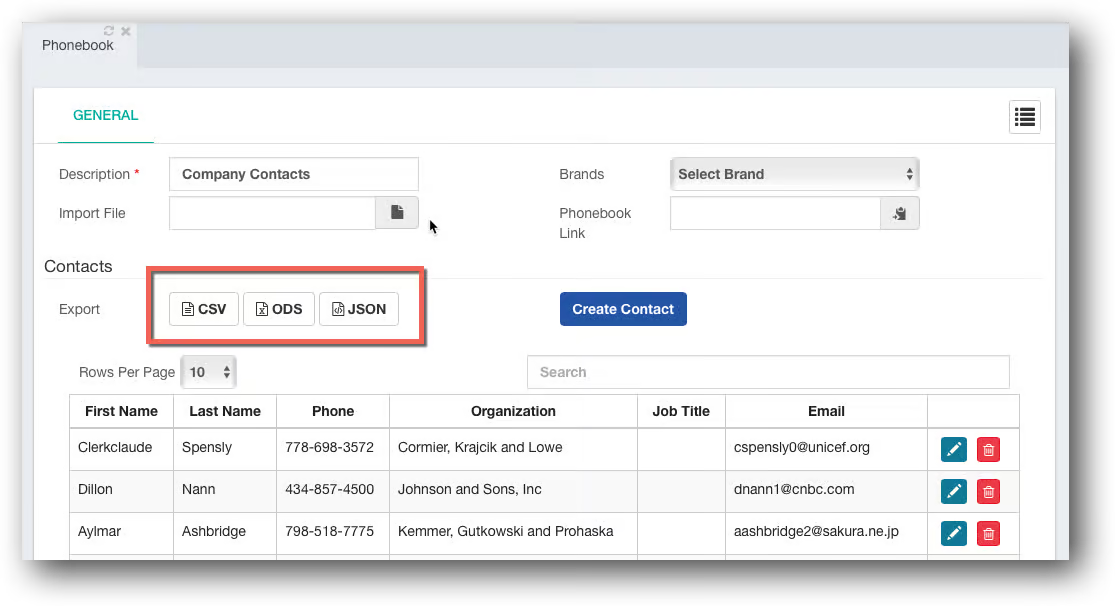
CompletePBX 5.0.49 – User Experience Improvements
PBX Name and Serial Number in GUI The CompletePBX GUI now shows the system name next to the logo in the upper left hand side. By default the PBX serial number will be shown. The administrator may change it to a descriptive name: Improved Date & Time Settings...
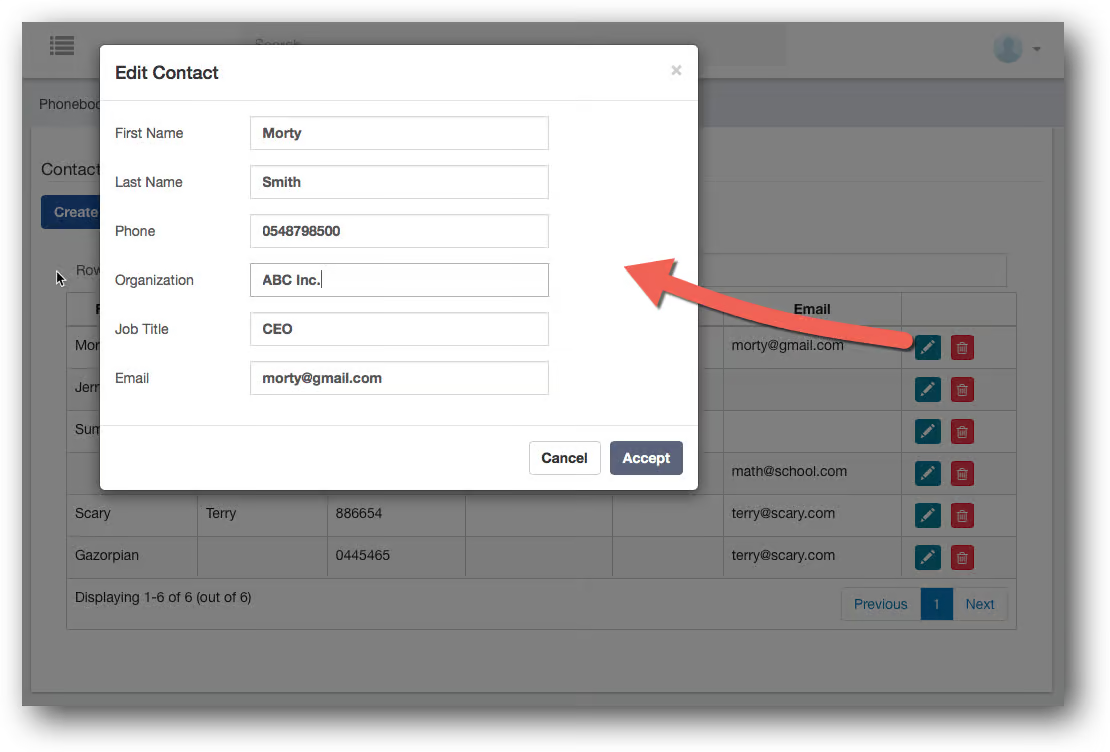
CompletePBX 5.0.48 – User Interface Improvements
Improved Voice Prompts Some of the voice prompts were replaced with more accurate and clearer voice prompts in English, Spanish and French. CDR (Call Details Reports) Improvements CDR now shows Emergency calls from unassigned hot-desking devices A problem with CDR...

CompletePBX 5.0.47 – Security, Recordings Feature Code and more…
Security A security vulnerability was identified and in FOP2 Switchboard administration. It is recommended to update the systems as soon as practicable. Unique Feature Codes to Re-Record Voice Recordings Each Recording (System Settings -> PBX Settings ->...