

Complete the whole course of free VoIP online training to receive free certification.
What are Queues, and how to implement them in CompletePBX 5, virtual software PBX, free training video.
Download and install free virtual PBX software and start the training here – virtual PBX training.
A certificate that includes your name & the name of your company is issued upon completion.
Complete online VoIP certification for free.
Xorcom virtual IP PBX for hotels, enterprise, schools, call centers, free for download. Asterisk-based IP PBX appliances and hardware, phone systems for call centers.
IP-PBX: recent news & updates:
Xorcom not Affected by Intel AMT, ISM, and SBT Security Issue
Recently it was reported that Intel platforms may have security vulnerabilities around certain Intel management tools. After reviewing the data we have concluded that none of the Xorcom IP PBX systems are affected by these vulnerabilities: 1. No Xorcom system supports...
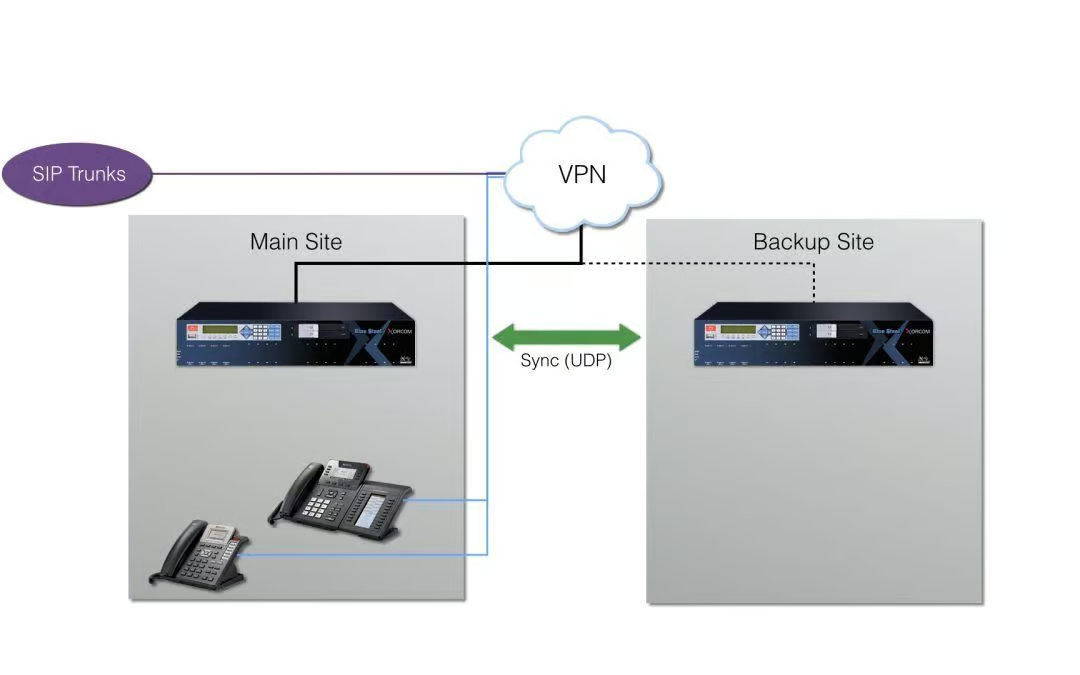
TwinStar High Availability PBX Supports Remote Locations
Xorcom announced support in UDP protocol for TwinStar high availability systems, allowing better support in remote location failover and virtual machine setup. "Previously TwinStar supported only Multicast protocol for server synchronization in the TwinStar PBX." says...
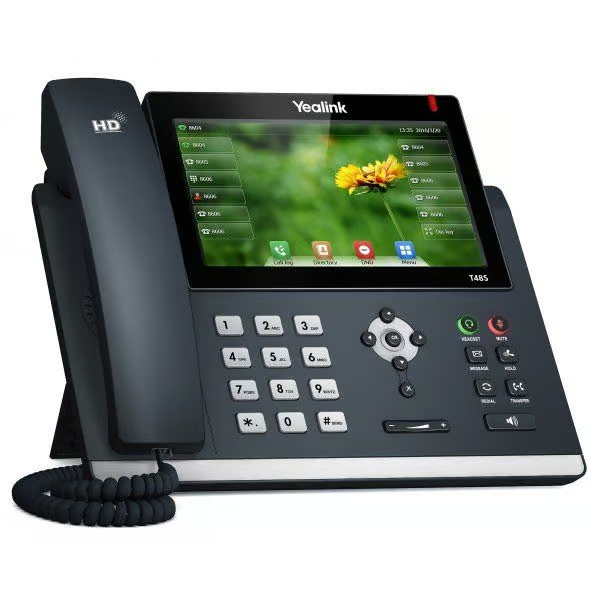
TwinStar for Remote Locations, Yealink & Fanvil in CompletePBX 5.0.20
New Features TwinStar now better supports virtual machines and remote locations with Corosync option to use UDP. Previously only Multicast was supported. Optimization of Astribank activation after server change in TwinStar Import Extensions – Account field is added...
Fix for BLF Issue in CompletePBX 5.0.19
Bug Fixes BLF Behavior - fixes BLF issue that was introduced in version 5.0.18, caused by Night Mode improvement. This fix also temporarily removes the Night Mode improvement from previous version.
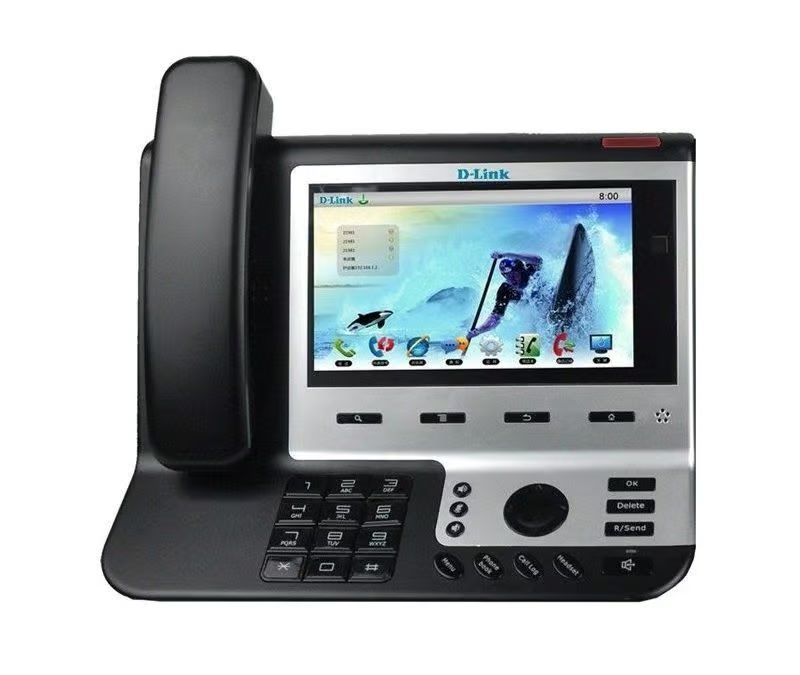
D-Link phones, dial profiles and more in CompletePBX 5.0.18
New features & Improvements Dial Profiles – new dialog was added that allows creation of dialing options profiles that may later be implemented in Extensions and Trunks. Dial profiles defines whether a call may be parked or transferred and by whom (caller,...