

Complete the whole course of free VoIP online training to receive free certification.
What are Queues, and how to implement them in CompletePBX 5, virtual software PBX, free training video.
Download and install free virtual PBX software and start the training here – virtual PBX training.
A certificate that includes your name & the name of your company is issued upon completion.
Complete online VoIP certification for free.
Xorcom virtual IP PBX for hotels, enterprise, schools, call centers, free for download. Asterisk-based IP PBX appliances and hardware, phone systems for call centers.
IP-PBX: recent news & updates:

CompletePBX 5.0.54 – Click-to-Dial & Stabilization
Click-to-Dial from User Portal CompletePBX phone system user portal now allows the user to click-to-dial directly from any phonebook When clicking on any phone number in the phonebook on the user's portal, the user's extension will ring and upon picking up the phone...
New Voice Recording MoH Service from Xorcom
Xorcom announces a new professional voice-recording and music-on-hold (MoH) service. As part of the service, Xorcom customers may order custom recordings with royalty-free music for their CompletePBX phone systems in order to improve the customer-experience and PBX...
CompletePBX 5.0.53 – Improvements in Ring Group, Fax, Call Recording and more
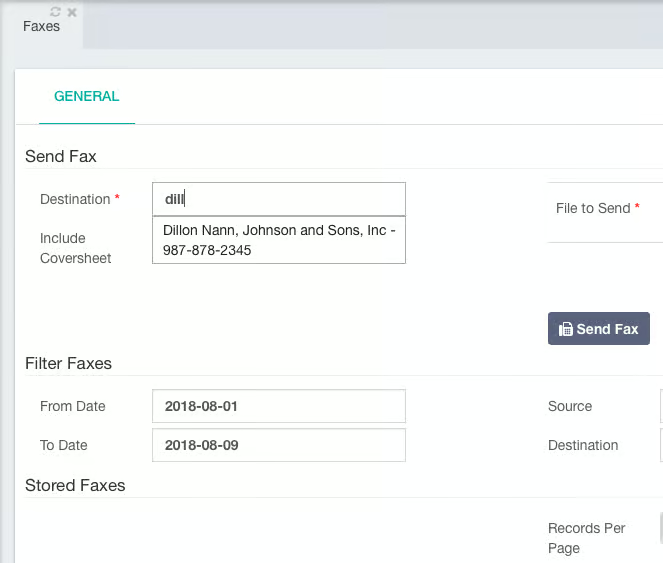
User-Friendly Filenames for Recorded Calls It is now possible to automatically change the recorded calls filenames to more user-friendly names using a scheduled job in the Task Manager. The script will overwrite the default system filenames with more descriptive...

CompletePBX 5.0.52 – Fixes GUI Crash after ddetect
DAHDI automatic configuration utility "ddetect" generates some configuration files with wrong ownership. As a result of that, any "Reload" operation done via the Web interface after running the utility fails. This utility is normally run only on initial system setup,...
CompletePBX 5.0.51 – Performance & User Experience Improvements
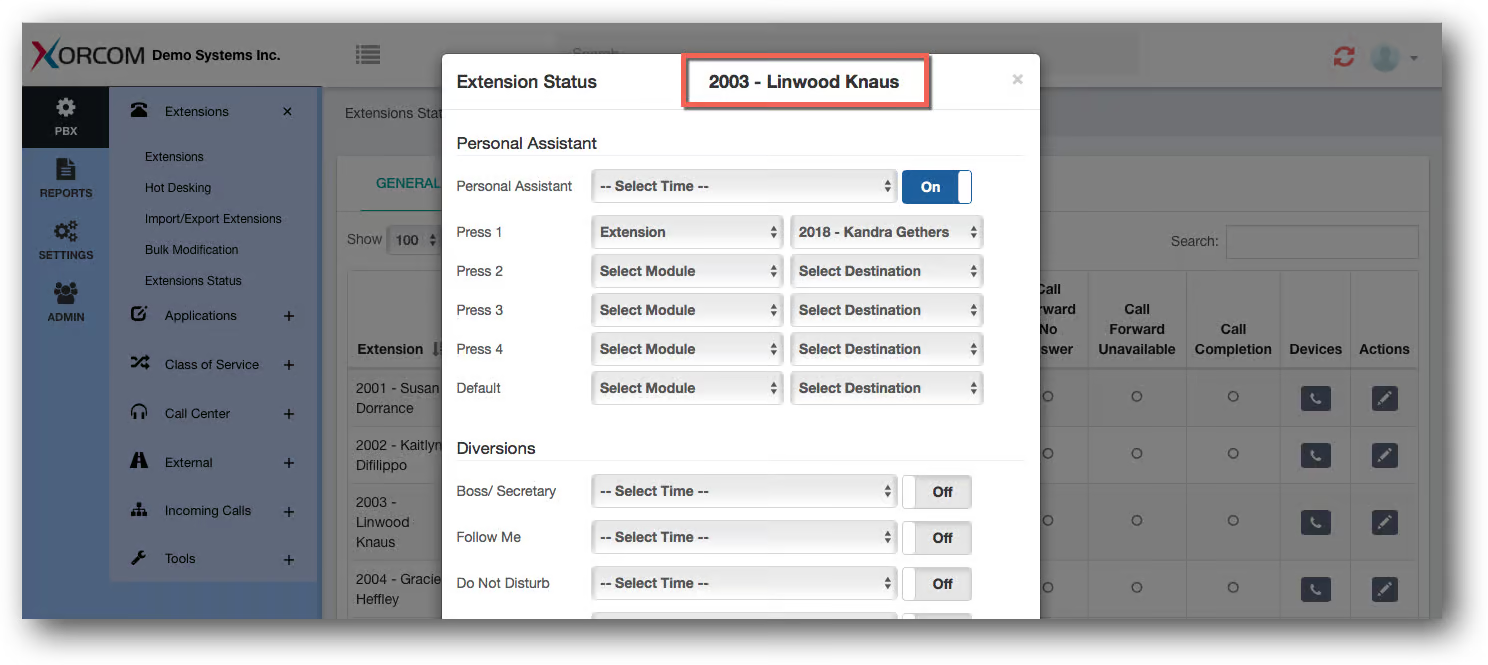
Phonebooks Improvements The PBX phonebooks are now available in the User Portal (User Portal: Portal -> My Extension -> Phonebook) Each phonebook can be exposed to the User Portal or hidden from it, besides the Extensions (company directory) which does not have...